

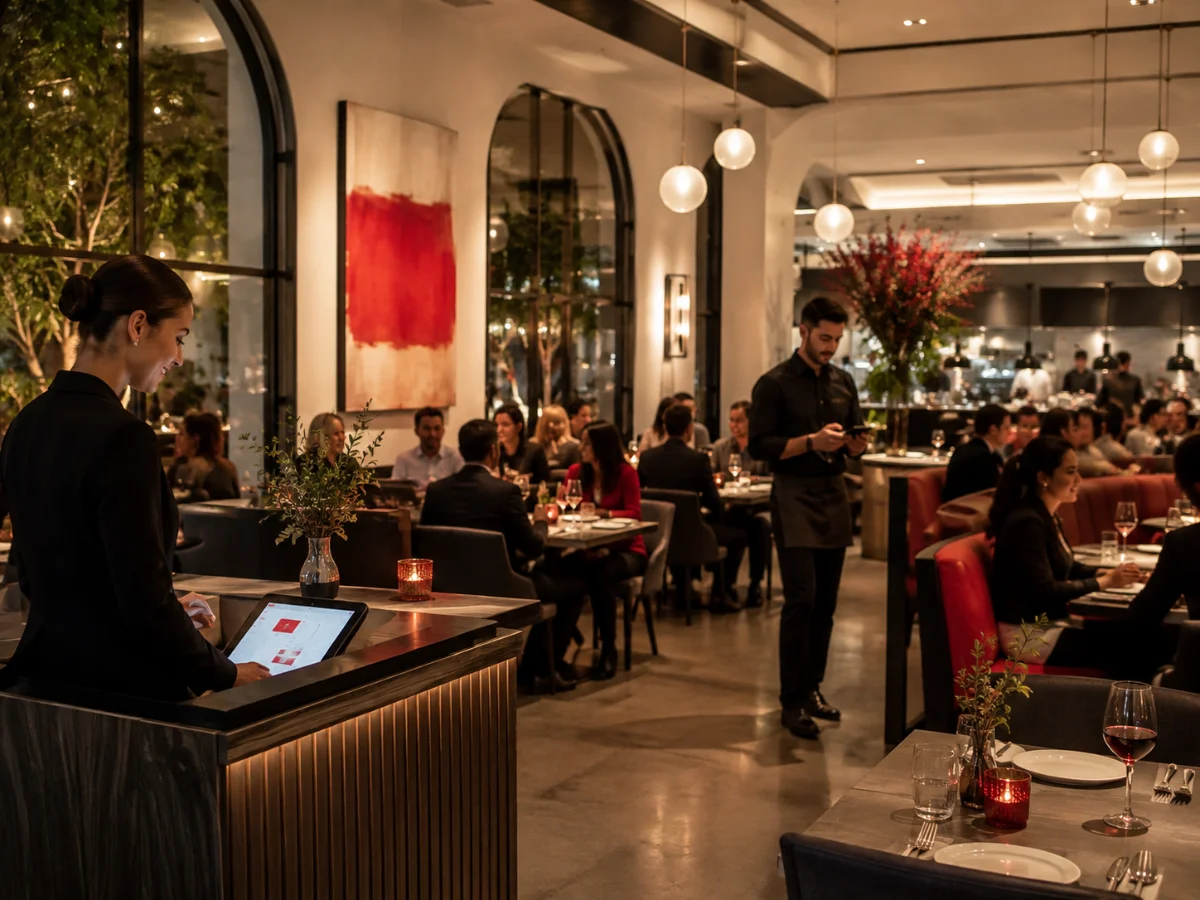

From setup to service in four practical steps
- 01
Map your services
Set floor capacity, pacing rules, and policy triggers for lunch, dinner, and event windows.
- 02
Launch channels
Publish booking flows to your site and social channels without changing your team process.
- 03
Automate confirmations
Run reminder sequences and confirmation prompts that reduce avoidable no-shows.
- 04
Operate with confidence
Track arrivals, policy outcomes, and payment status from one daily ops view.
Designed for margin, pacing, and guest trust
TABLE214 removes fragmented tooling and gives host teams, floor leads, and finance one operational source of truth — so service quality stays consistent under pressure.
Request a demo
Everything on one table
Flat platform pricing
You are not charged by guest count. That keeps cost planning predictable as demand grows — zero commission on guest bookings.
Integrate the booking widget →
We bring guests to the table
We make it easy for guests to find and book restaurants. The TABLE214 guest site plugs straight into your floor plan — a channel that lifts visibility and fills tables with new and returning faces.
Visit the guest site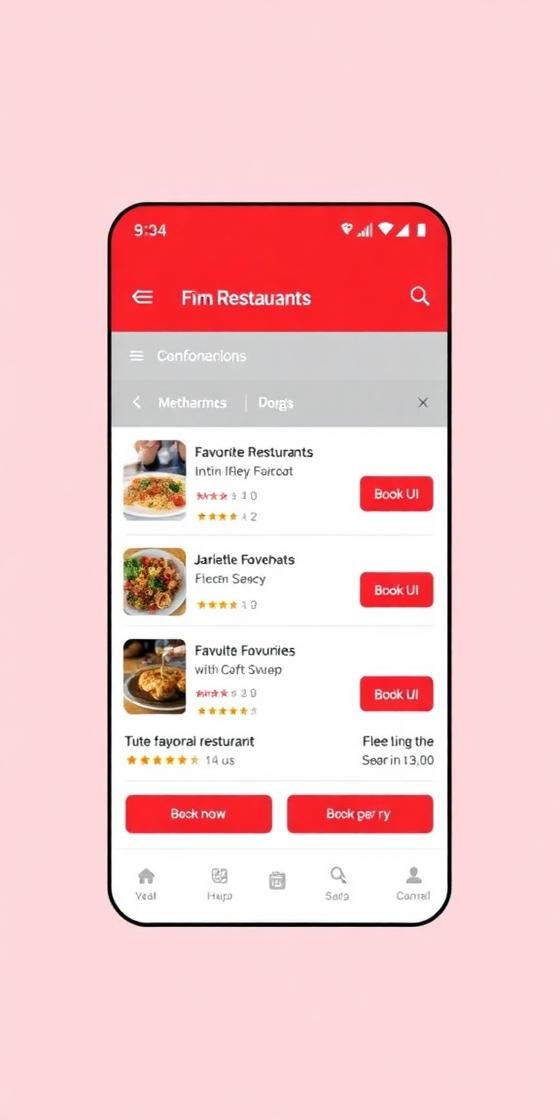
Serving every restaurant role

Front of house
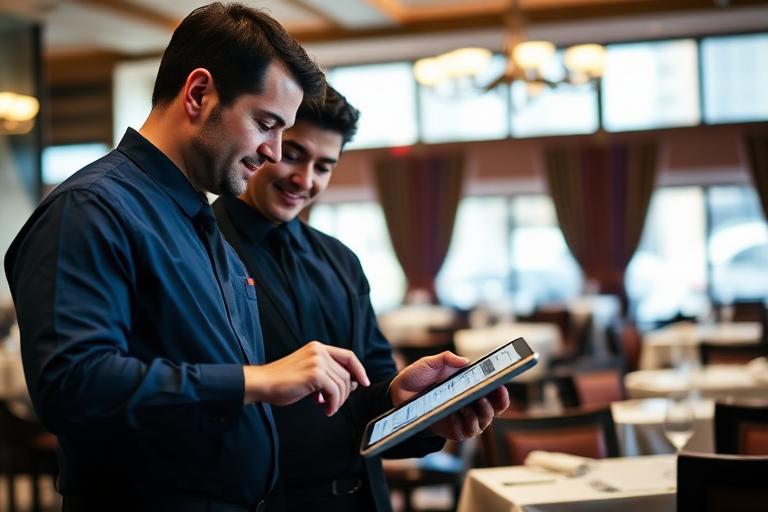
One arrivals board for walk-ins, reservations, and table status — no radio chatter needed.

Marketing manager
Booking flows for your site and socials that convert without changing the team process.
Group owner
Compare locations on covers, no-show rates, and policy outcomes from one account.

Restaurateur
Flat pricing and practical controls — protect revenue while hospitality stays personal.
What restaurateurs say
Get rid of the phone. Your team should be 100% available for the real moment of contact — the one that happens when the guest walks through the door.

Manual processes breed errors and hinder efficiency. In a world where convenience is king, guests demand the ease of booking online.

If I had to describe it in three words: user friendly, organized and customer friendly. Despite the challenges of change, the transition was smooth.

Frequently asked questions
How does TABLE214 work?
It combines reservations, no-show protection, and payment visibility in one workflow: map your services, launch booking channels, automate confirmations, and run the floor from one daily ops view.
What does TABLE214 cost?
Flat platform pricing — you are not charged by guest count, and there is zero commission on guest bookings. Cost planning stays predictable as demand grows.
How long does onboarding take?
Most teams are live in under a week. The typical onboarding window is five days per location.
Can I add the booking widget to my own website?
Yes — the Integrate Widget page walks you through embedding the TABLE214 booking widget on your site, with a live preview and copy-paste code snippets.
Ready to take control of your floor?
Join operators who have cut no-shows, streamlined service, and grown revenue — all without changing the hospitality their guests love.